AI D&D session notes
Session notes for D&D, taken while you play
Nobody has to choose between playing and writing things down. LoreMonkey listens to the session on your PC and leaves you a transcript, a recap written the way your group writes, and suggested updates to your campaign notes.


Transcripts are free forever. The free trial covers a recap at a real session.
What you have when everyone logs off
Notes that read like your group wrote them
Give LoreMonkey the notes you already keep and the recap follows them: the same point of view, paragraphs or bullets, and about the same length. With no sample, it writes two or three short paragraphs.
Player and GM campaigns get different notes. A player's recap is what happened to the party. A GM's covers which threads moved, which hooks and NPCs came into play, and what to remember for next time.
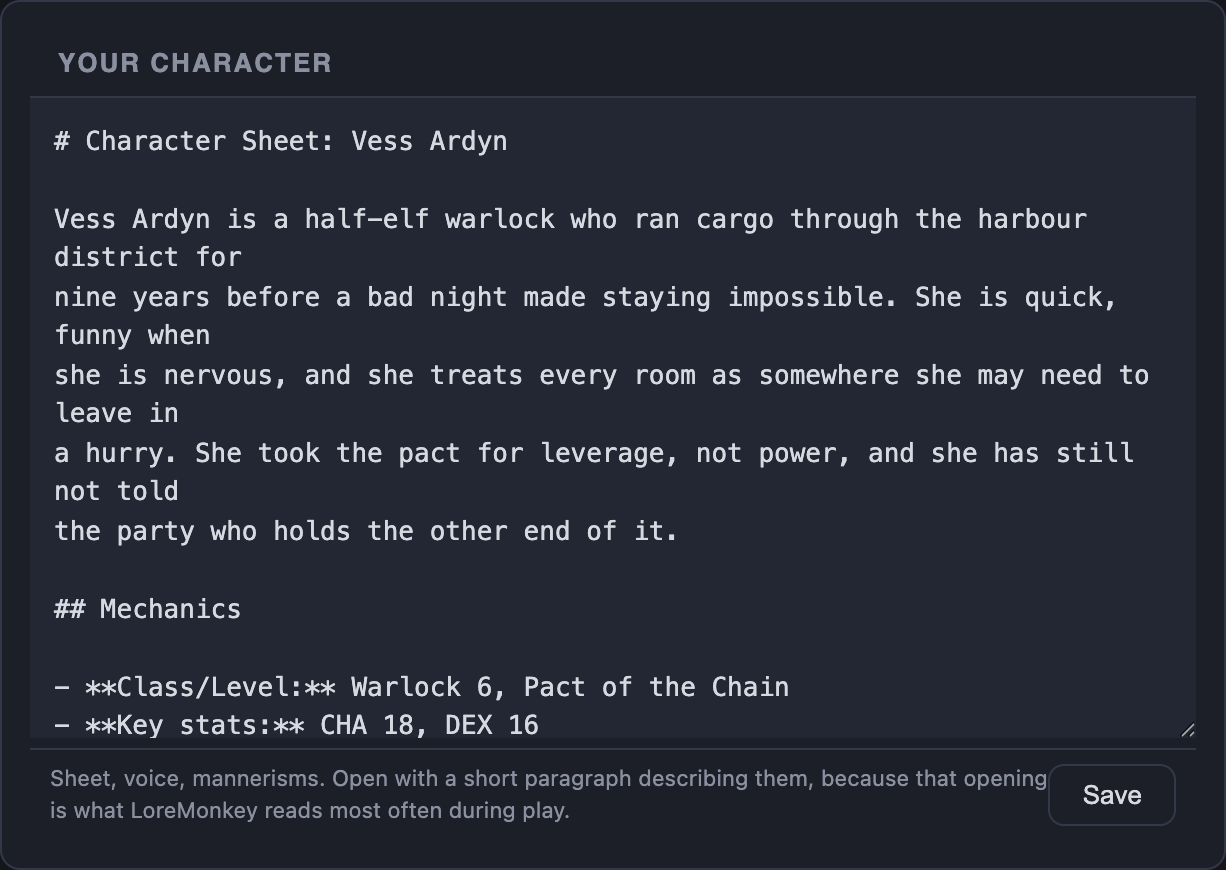
Your campaign notes stay yours
An AI that rewrites your notes after every session is a fast way to lose four sessions of detail to one paragraph of summary. So LoreMonkey does not rewrite them. It proposes changes, section by section, and checks every proposal against the real file before you see it.
- Nothing is deleted or renamed. A section it did not mean to change comes back exactly as it was.
- No duplicate entries. A new detail about an NPC who already has an entry becomes an edit to that entry, not a second one.
- Big cuts are flagged. A revision that drops most of what a section said is marked before you accept it.
- You accept each change. Nothing reaches your files until you do.
Why names get special treatment
Speech-to-text mishears fantasy names all the time, and usually that is harmless. It stops being harmless when a note-taker writes the misheard name down. In one of our own campaigns, a single garbled line about a real town produced a whole second town, complete with residents, that never existed, and later suggestions treated it as real.
LoreMonkey now checks every name before it reaches your notes. A name that is not in your campaign but sounds like exactly one that is gets corrected. A genuinely new NPC keeps their name.
What it will not write
Recaps and note updates describe only what is in the transcript. When LoreMonkey cannot tell what something was, it leaves it out rather than guessing, and when it cannot tell who said a line, it says so.
 Session notes questions
Before you hand over the notes
Does LoreMonkey replace the person who takes notes?
It takes the evening off their hands. The transcript and the recap are there when the session ends, and the note-taker can edit, cut or add to them instead of writing from memory.
Can I edit what it writes?
Yes. Recaps and campaign files are plain text files on your PC. Changes to your campaign notes are proposed, and nothing is written until you accept it.
Does it work with Obsidian?
Yes. Export a campaign as an Obsidian vault with a linked note for every NPC, place and faction, keep the two in step, and read a vault back in. Exporting is local and free.
Which plan do I need for session notes?
Transcripts are free on every plan. Recaps use your AI allowance, and the free trial is enough to see one at a real session. Proposed updates to your campaign notes start with Lite.
Does it make things up?
It is told not to, and it is built to leave things out instead. Recaps and note updates only describe what is in the transcript, use the names from your notes, and skip anything they cannot identify.

Available now for Windows
Let LoreMonkey take the notes next session
Free to download. Transcripts are unlimited, and the free trial covers a recap.